AI Image Quality Checklist: 14 Things to Check Before Publishing
A practical pre-publication review for AI-generated images covering anatomy, text, reflections, product accuracy, disclosure, alt text, file size, and rights.
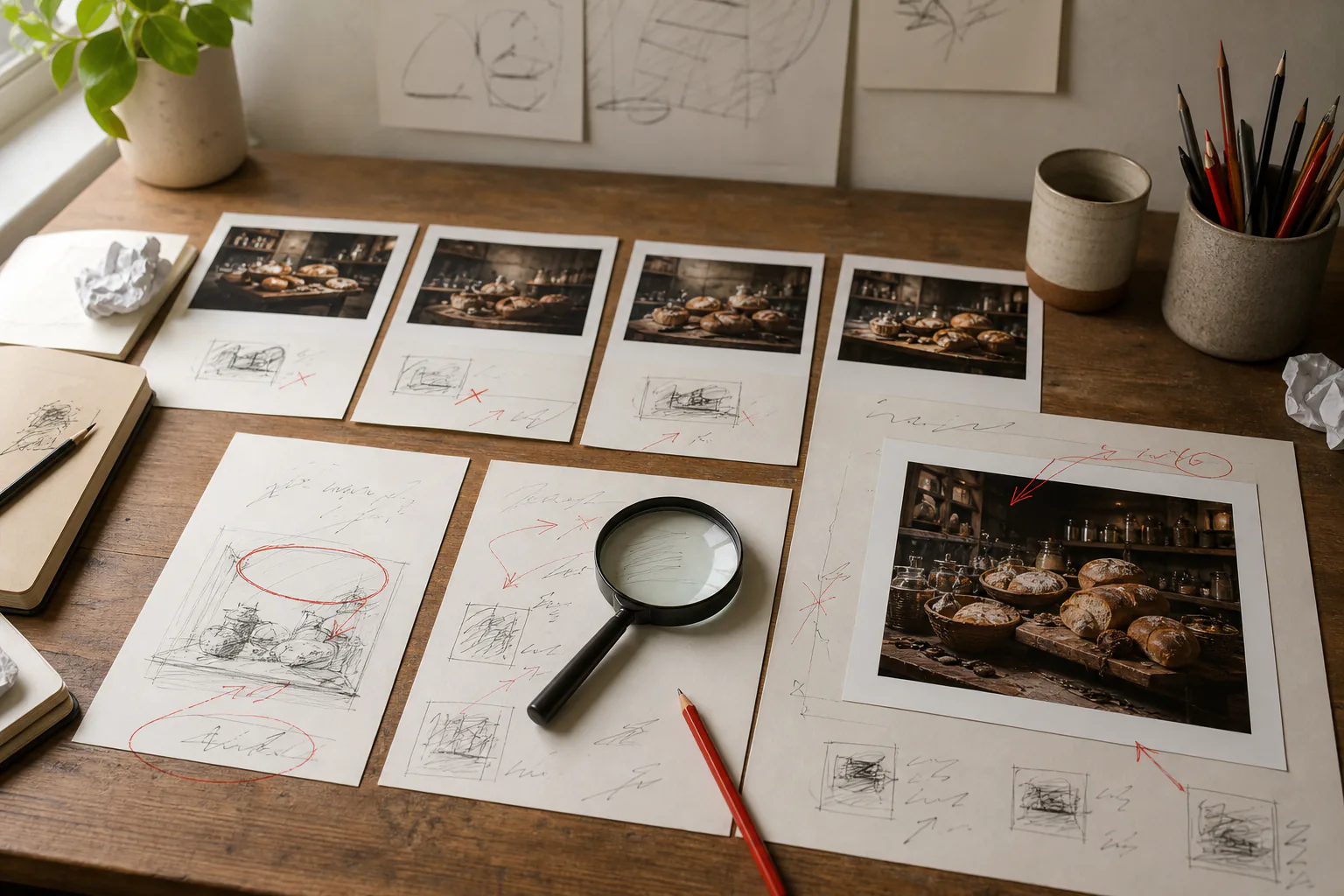
A generated image can look finished at thumbnail size and fall apart the moment a reader zooms in. The solution is not a longer prompt. It is a repeatable review.
Use this checklist after generation and again after cropping, editing, or upscaling. Keep the original file beside the final export so you can tell which step introduced a problem.
Content checks
1. Count the important objects
If the brief asks for three bottles, confirm there are three—not two bottles and a melted duplicate in a reflection. Repeated chairs, fingers, windows, and background faces are common places for accidental extras.
2. Inspect hands, eyes, teeth, and ears
Do not only count fingers. Check how hands grip objects, whether glasses meet both ears, whether pupils point in a plausible direction, and whether teeth merge into the lips.
3. Read every visible word
Zoom in on labels, signs, clothing, book spines, and interface elements. If the words are decorative nonsense, remove them or crop them out. Add important copy later as real typography.
4. Follow reflections and shadows
A mirror should reflect the scene from the correct angle. A product shadow should meet the surface. Multiple light directions can make a plausible object feel pasted together.
5. Check boundaries
Look where hair meets the background, a hand meets a sleeve, wheels meet a road, and transparent materials overlap other objects. These junctions reveal many generation and background-removal errors.
Accuracy checks
6. Compare products with the real item
Do not use a generated image to invent ports, buttons, ingredients, packaging claims, or safety equipment. For a real product listing, use real product photography and treat generative edits conservatively.
7. Remove accidental brands
Models can produce logo-like marks and familiar packaging. A fictional mark that resembles a real trademark is still worth removing before commercial publication.
8. Check cultural and professional details
Uniforms, tools, religious objects, flags, accessibility devices, and safety procedures carry meaning. If accuracy matters, verify them against a reliable reference or choose a less specific illustration.
9. Do not fake evidence
Never present a generated or materially altered image as proof of a real event, medical result, product performance, or news claim. Use captions or disclosure when a realistic synthetic scene could mislead a reasonable viewer.
Editorial checks
10. Ask what the image adds
Can you finish the sentence "This image helps the reader…"? If not, it may be filler. Removing a generic image often makes an article feel more confident.
11. Write useful alt text
Describe the information the image contributes. Mention that it is an illustration when realism could create confusion. Leave alt text empty for purely decorative imagery rather than stuffing in keywords.
12. Crop for the actual placement
Check mobile, desktop, and social previews. A face placed at the far edge of a wide hero may disappear in a square share card. Keep a safe central area or export purpose-built crops.
13. Export an appropriate file
Use dimensions close to the largest display size. Choose JPEG or WebP for photographic images and PNG when transparency or lossless graphic edges are needed. Compression should reduce weight without smearing text or fine edges.
14. Record the source and permission
Save the prompt, generation date, tool, important settings, and any source image permission. Review the tool's current terms for the intended use. A downloaded file is not automatically free of third-party rights or privacy concerns.
A two-minute review routine
First view the image full-frame and ask whether it communicates the intended idea. Then inspect it at 100% in a simple path: face and hands, text and logos, object boundaries, shadows and reflections, background, crop, and export size.
If a flaw affects the main subject, regenerate or edit. If it sits outside the useful crop, crop it. If it changes a factual claim, reject the image. "Nobody will notice" is not a quality-control method.
You can use the AI image generator to make a new candidate, the AI photo editor for a broad revision, the background remover for a cut-out, or the 2× upscaler when dimensions are the only problem. After every transformation, run the relevant checks again.