10 Social Media Prompts for ImageFree.net's Five Aspect Ratios
Ten social media image prompts built around ImageFree.net's five aspect ratios, with practical cropping and text-space advice.
ImageFree.net currently offers 1:1, 3:4, 4:3, 9:16, and 16:9. Social platforms often accept a wider range, so choose the closest available shape, keep important details away from the edges, and make the final crop in the publishing or layout tool.
The platform references below were checked on July 18, 2026. Specifications can change, so confirm them again for a paid campaign or crop-sensitive layout.
1:1 — flexible square posts
1. Ceramic product flat-lay
“Top-down editorial photograph of three handmade ceramic cups on wrinkled linen, soft morning light, clay and oatmeal palette, one cup off-center, realistic texture, no text, square composition.”
2. Quote-card background
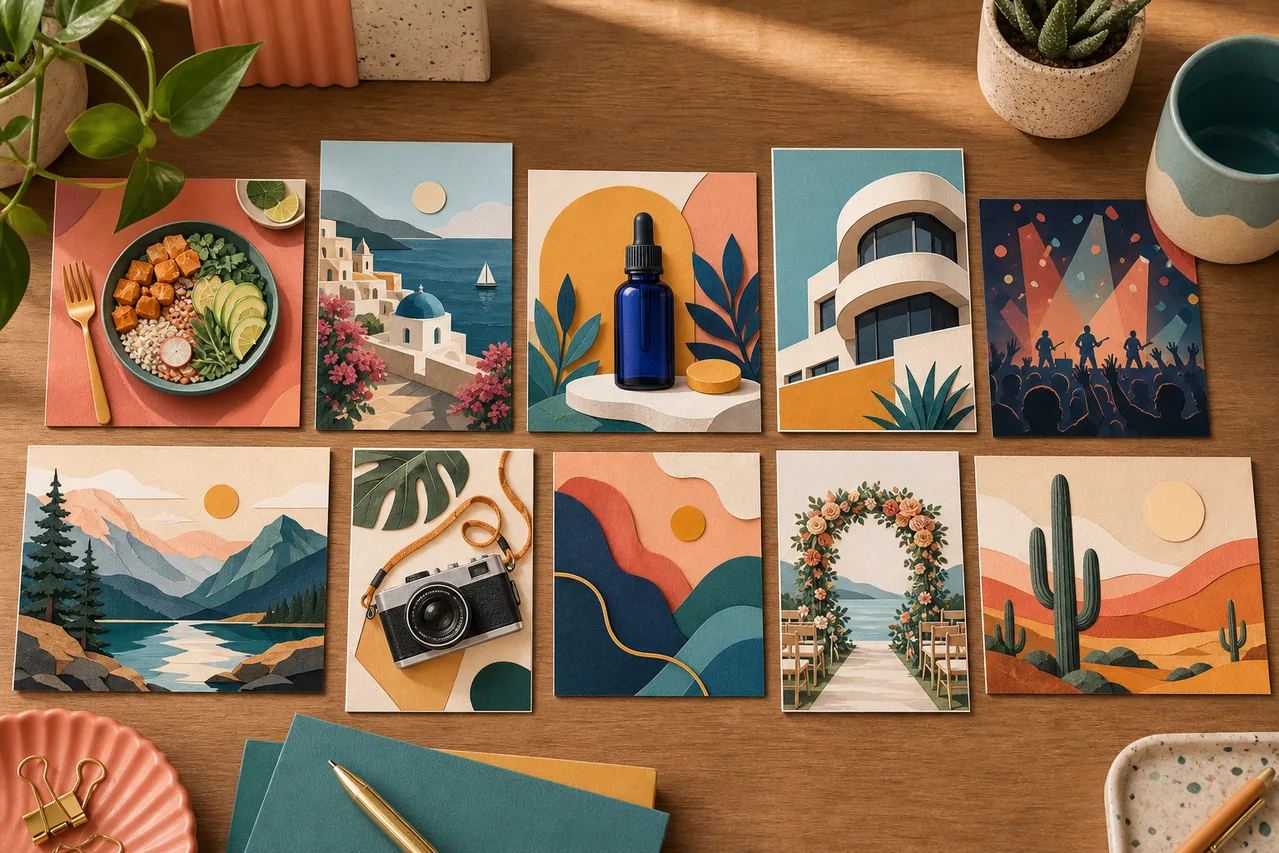
“Layered paper shapes in muted coral, lavender, and cream, subtle shadows, empty central area for a short quote, no letters or logo, square composition.”
Add real copy afterward so it remains editable, proofreadable, and localizable.
3:4 — portrait feed images
Instagram says photo uploads are supported between 1.91:1 and 3:4, so ImageFree.net’s 3:4 can be used for a tall photo post. See the current Instagram photo guidance.
3. Founder portrait with copy space
“Editorial portrait of a small-business founder in a bright workshop, natural window light, authentic tools softly visible, subject on the right third, clean space on the left, photorealistic, vertical 3:4.”
4. Ingredient story
“Rosemary, lemon peel, sea salt, and a small amber bottle arranged on pale stone, overhead daylight, restrained green and cream palette, no label text, 3:4.”
If a destination calls for 4:5, crop a little from the 3:4 top and bottom. Keep faces, products, and copy space near the center.
4:3 — editorial landscape posts
LinkedIn currently permits a broad ratio range for single-photo posts. Confirm its photo-sharing specifications before publishing.
5. Behind-the-scenes workspace
“Small design studio during a packaging review, paper samples, swatches, notebook and laptop on a real working desk, late-afternoon light, no readable text, 4:3.”
6. Educational diagram backdrop
“Clean isometric illustration of a three-step creative workflow, three connected work areas, navy, teal, and warm yellow, empty label areas, no words, 4:3.”
9:16 — stories and short-video covers
Interface controls can cover the top and bottom. Keep the subject and later typography nearer the visual center.
7. Tutorial cover
“Hands arranging a product-photo setup beside a window, phone, white card, and small lamp visible, clear central action, quiet upper and lower areas, 9:16.”
8. Story opener
“Cyclist at a rainy city crossing at blue hour, wet reflections, one warm shop window, believable cinematic light, subject in the middle half, no text, 9:16.”
16:9 — banners, previews, and wide posts
LinkedIn currently recommends 1.91:1 and 1200 × 627 pixels for shared-link previews. ImageFree.net’s 16:9 is slightly taller, so leave crop room at the top and bottom. See LinkedIn’s custom image guidance. X’s current ad specifications include 1:1, 1.91:1, and expanded 4:5 formats; organic and paid placements may render differently. See the X ad specifications.
9. Industry update
“Translucent glass nodes connected by fine lines, deep navy background, cyan highlights, focal cluster on the left, empty headline space on the right, 16:9.”
10. Event announcement
“Neighborhood café at golden hour, string lights, a few people in soft focus, warm natural color, empty darker area on the left for event details, 16:9.”
Adapt subject, setting, palette, light, and empty space—not the whole prompt at once. Reject false lettering, distorted anatomy, or product details that do not match what you sell. The ratio starts the composition; previewing and cropping the specific placement finishes it.