How to Write Better Prompts for AI Image Generators (With Examples)
A practical prompt-writing guide for AI image generators. Learn the subject-style-context formula, common pitfalls, and 12 example prompts you can copy and tweak.
The prompt is one of the few parts of image generation you can control before the first result appears. Clear wording cannot fix every model limitation, but it can reduce ambiguity and make revisions easier. This guide shows a compact prompt structure, examples you can adapt, and a practical way to diagnose a result that missed the brief.
The subject–style–context formula
Almost every good prompt has three building blocks:
- Subject — what is in the image. A person, an object, a scene, an animal, an abstract concept.
- Style — how it looks. Photorealistic, watercolor, anime, flat vector, oil painting, 3D render, etc.
- Context — the rest. Lighting, mood, background, framing, time of day, color palette, composition.
A weak prompt omits one or two of these. A strong prompt addresses all three.
Example: turning a vague prompt into a useful one
Weak: "A cat."
Strong: "A sleepy ginger cat curled up on a velvet armchair, soft window light from the left, shallow depth of field, warm tones, photorealistic."
The strong version answers all three questions: subject (sleepy ginger cat on a velvet armchair), style (photorealistic), context (soft window light, shallow depth of field, warm tones). You don't have to write a paragraph — a short, well-structured sentence often beats a long ramble.
Twelve prompts you can copy and tweak
Social media
- "Flat-design illustration of a coffee cup with steam rising, pastel gradient background, minimalist, no text."
- "Polaroid photo of two friends laughing at a beach, slightly faded colors, golden hour, candid."
E-commerce
- "Product photo of a skincare bottle on a marble surface, clean white background, soft shadows, studio lighting, commercial photography."
- "Lifestyle photo of sneakers on a wooden floor, warm indoor lighting, casual, editorial style."
Blog and articles
- "Abstract illustration representing teamwork, soft geometric shapes, blue and purple palette, modern, minimal."
- "Isometric 3D render of a tiny house surrounded by trees, pastel colors, no characters, top-down angle."
Mood boards and concept art
- "Cyberpunk alley at night, neon signs in Japanese, rain on the ground, reflective puddles, cinematic lighting, fine texture detail."
- "Misty mountain valley at sunrise, distant fog, painterly, Studio Ghibli-inspired color palette."
Portraits
- "Close-up portrait of an elderly fisherman with a weathered face, looking off-camera, golden hour side light, 85mm lens, photorealistic."
- "Editorial portrait of a young architect in a glass-walled office, neutral expression, soft natural light, magazine cover style."
Abstract / decorative
- "Calm abstract gradient wallpaper, deep ocean blue to teal, smooth, no shapes, vertical orientation."
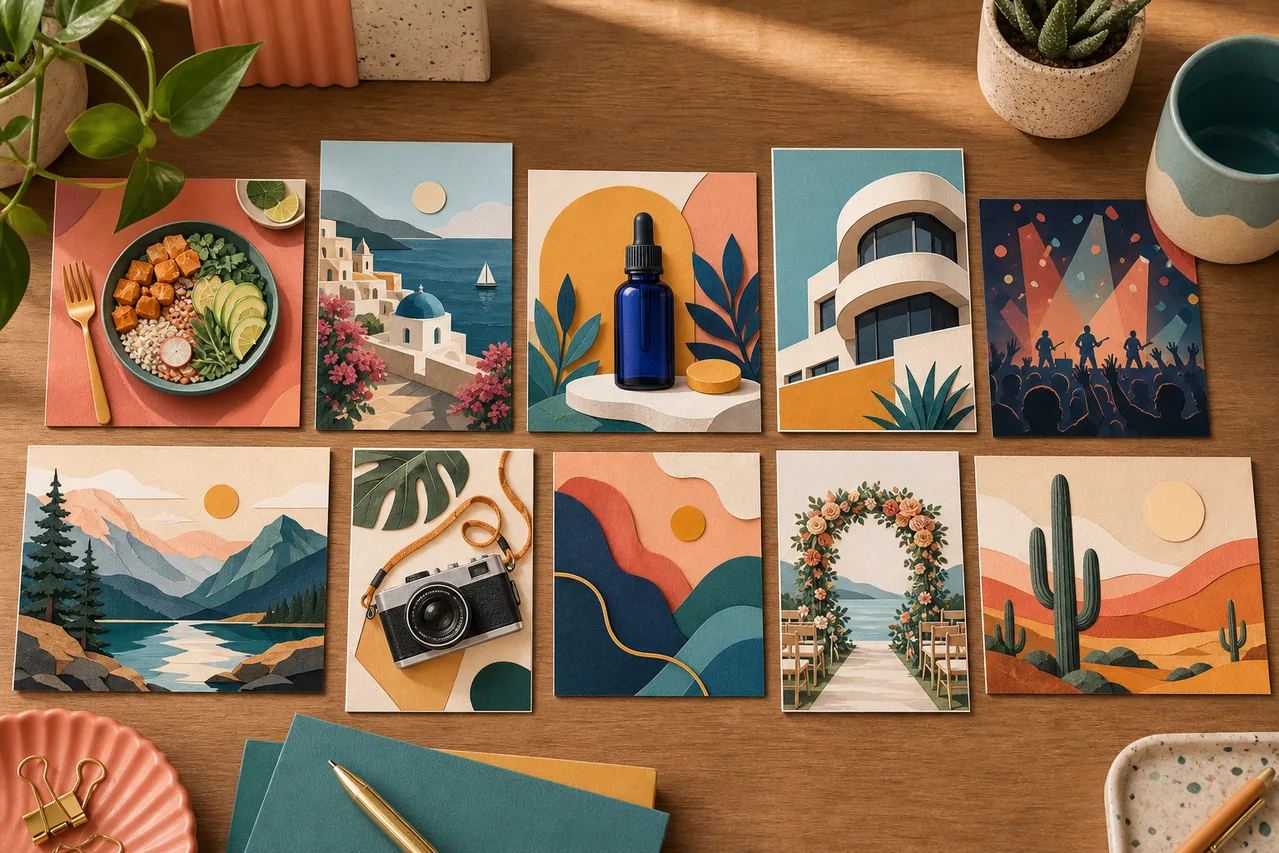
- "Paper-cut illustration of layered hills and clouds, warm cream, clay, and dusty blue palette, soft side lighting, landscape orientation."
What to avoid
Don't over-explain
If the prompt is two paragraphs long, the model has to balance many constraints and the result is muddy. Tight, focused prompts win. You can always iterate by adding one element at a time.
Don't stuff in style references that fight each other
"Photorealistic anime watercolor" is a contradictory request. Pick one style lane and stay in it. If you want a stylized look with realistic lighting, name the lighting explicitly — "Studio Ghibli style, painted, soft volumetric lighting."
Don't rely on the prompt to fix a bad idea
If the composition would be confusing in any medium (six subjects, no focal point, ambiguous spatial relationships), the model won't magically resolve it. Sketch the idea on paper or describe it in two sentences first. If you can't describe it, you can't prompt it.
Don't repeat the same word hoping it adds weight
Writing "beautiful beautiful beautiful sky" does not make the sky more beautiful. Use one descriptor per attribute.
Iterate, don't restart
The biggest mistake beginners make is regenerating from scratch every time they don't like the result. Instead, edit the prompt to address what went wrong:
- "Colors are muddy → add 'high contrast, vibrant, saturated'."
- "Subject is too small → add 'close-up, subject filling the frame'."
- "Wrong style → explicitly name the style, and add 'no other styles, no mixed media'."
- "Background is distracting → add 'plain white background, isolated subject'."
Each tweak teaches you how the model responds to specific words, and the process compounds.
Try it
Take one of the twelve prompts above, change exactly one element — the subject, the style, or the context — and see what happens. After a dozen tries, the pattern recognition is intuitive. Open the AI image generator and start experimenting.