How to Create More Consistent AI Characters: A Practical Workflow
A realistic workflow for keeping an AI-generated character recognizable across a small image set, including what prompt-only tools can and cannot do.
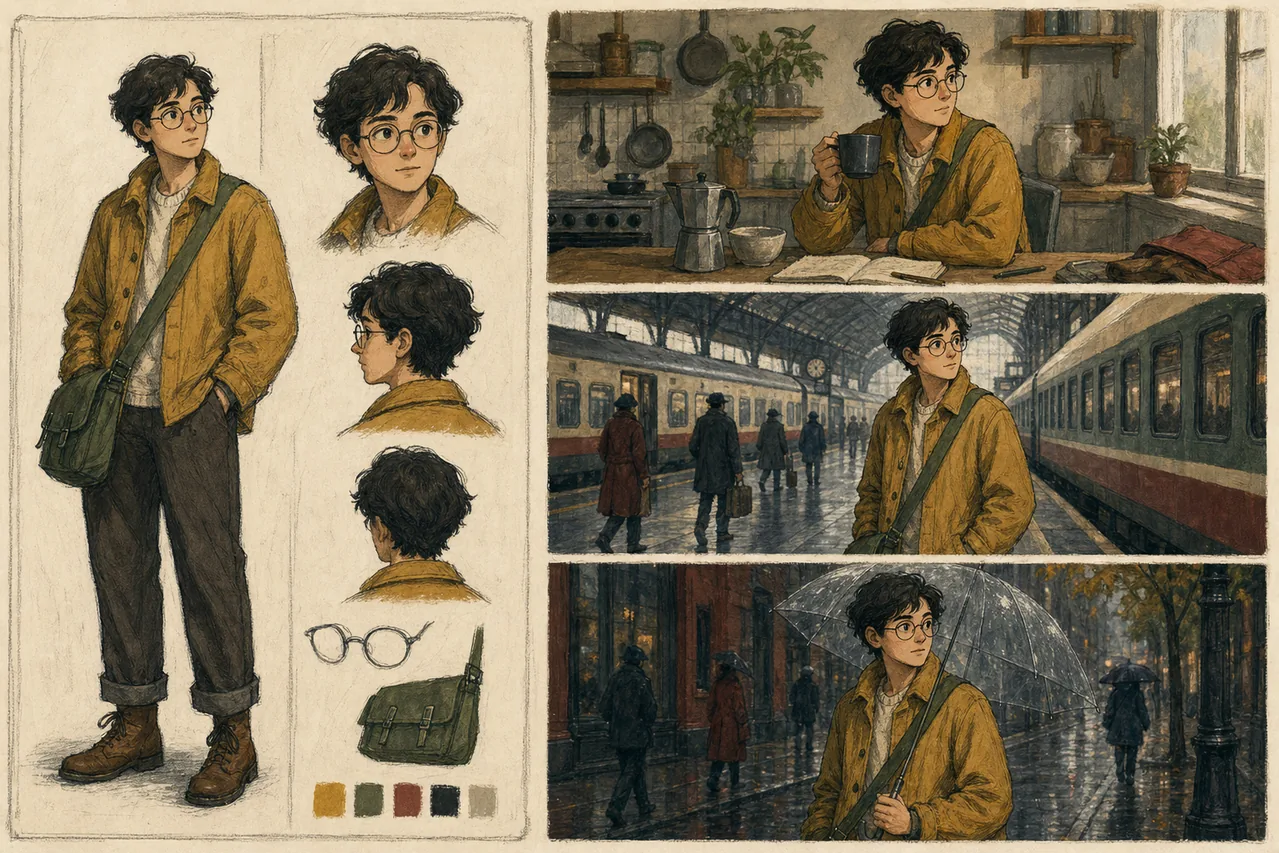
Character consistency is one of those problems that looks easy until you try it. You make a portrait you like, change the setting from a kitchen to a train station, and the face, jacket, and even the character's age drift.
That is normal. A text-to-image generator is creating a new image each time; it is not retrieving a saved character. A prompt-only tool can help you build a coherent series, but it cannot guarantee the same identity from frame to frame.
Start with a character sheet, not a scene
Before generating action shots, write a short identity block that you can paste unchanged into every prompt. Focus on details a viewer can recognize:
- approximate age and build
- hair color, length, and texture
- two facial details
- one signature garment
- a restrained color palette
For example:
"A woman in her early thirties with a round face, short wavy black hair, dark brown eyes, a small notch in her left eyebrow, wearing a rust-red field jacket over a cream shirt."
Avoid a page of biography. The model cannot see a character's job history or personality unless those facts change something visible.
Keep a prompt ledger
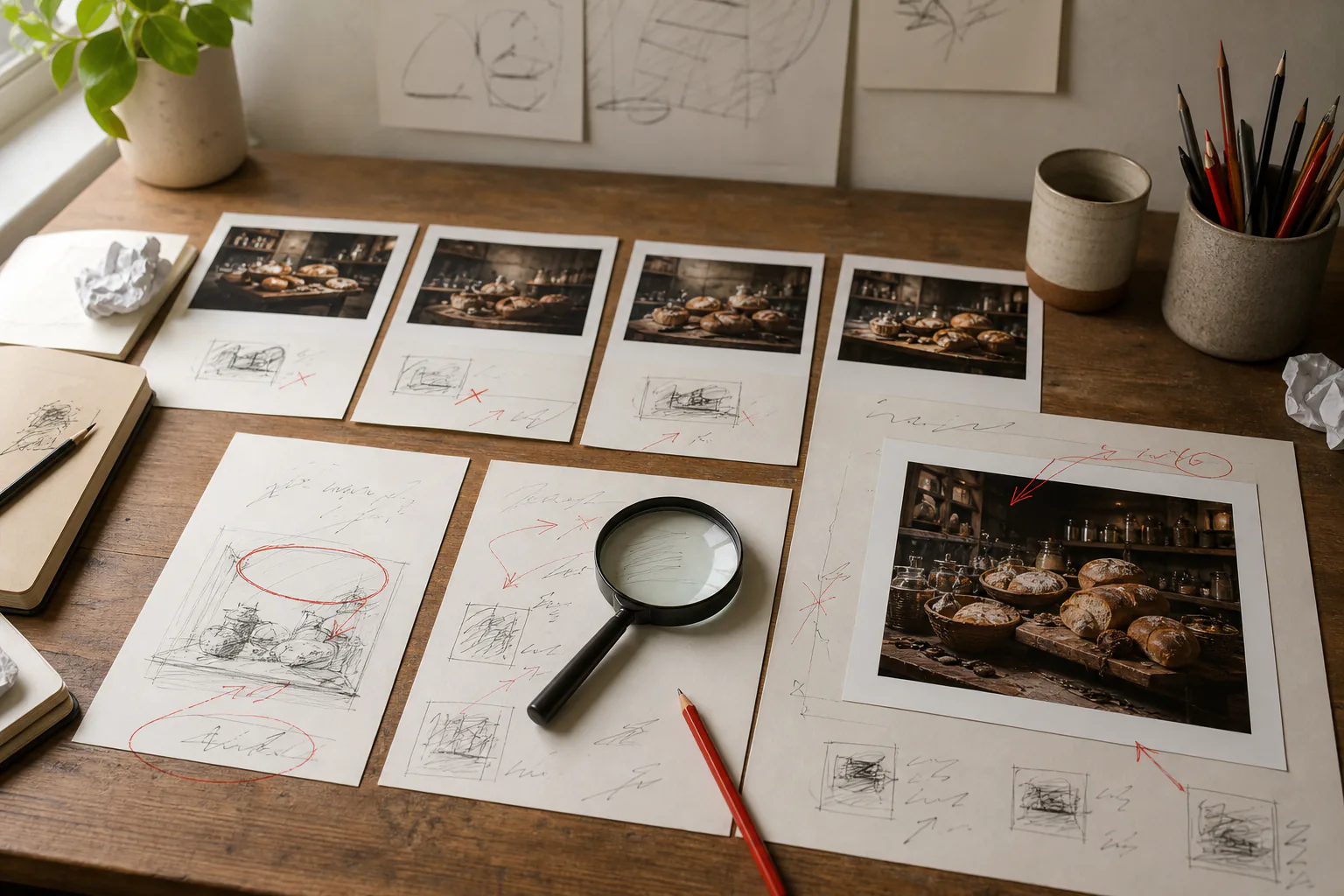
Save the exact identity block, style block, and successful prompt beside every downloaded image. A simple note is enough. When a result drifts, compare the prompt with the last successful version instead of adding random adjectives.
Change one variable at a time:
- Keep the identity block unchanged.
- Keep the medium and palette unchanged.
- Change only the action or setting.
- Generate several candidates and keep the closest match.
This is slower than asking for "the same person somewhere else," but it gives you a repeatable process.
Use camera language carefully
Composition terms help a series feel related even when facial details vary. Reuse phrases such as "waist-up portrait," "eye-level camera," "soft window light," and "muted earth tones." Do not switch from a close portrait to an extreme wide shot and expect the face to remain equally specific; at distance, there are fewer pixels available for identity cues.
Build around what your tool actually supports
Some generators expose seeds, reference images, masks, or dedicated character controls. ImageFree.net currently offers prompt-based generation and aspect-ratio selection; it does not expose a seed or character-reference control. That means the best ImageFree.net workflow is prompt discipline plus selection, not a promise of identity locking.
The AI photo editor can be useful for broad changes to an image, but it is not a masked inpainting interface. Treat any edit as a new interpretation and check the face, hands, clothing, and background again.
A three-image test
Before committing to a children's story, campaign, or comic, run a small test:
- Neutral portrait against a plain background.
- The same character seated indoors.
- The same character outdoors in a wider frame.
Put the three images side by side. Ask whether a stranger would identify them as the same character without reading the prompts. If not, simplify the design: stronger hair shape, one distinctive jacket, fewer accessories, and a tighter palette usually help more than another paragraph of description.
When prompt-only consistency is not enough
For a blog illustration set or mood board, "recognizably similar" may be enough. For sequential art, branded mascots, or a paid campaign featuring one specific identity, use a tool with reference-image or model-training controls and plan for manual retouching. It is better to choose the right workflow early than to hide visible drift after dozens of generations.
The practical goal is not perfect repetition. It is a set that feels intentionally art-directed—and an honest understanding of where prompt-only generation stops.